


Quick and secure payments for lessons, studio hire and other services.
Lesson Payments
Choose the card below that matches who you have lessons with.
Type in the exact invoice amount you've been sent.
Include the student's name so we can match the payment correctly.
Complete checkout via Stripe - Card, Apple Pay and Google Pay accepted.
Lessons with more than one tutor? Please make a separate payment for each.
Lesson Payments
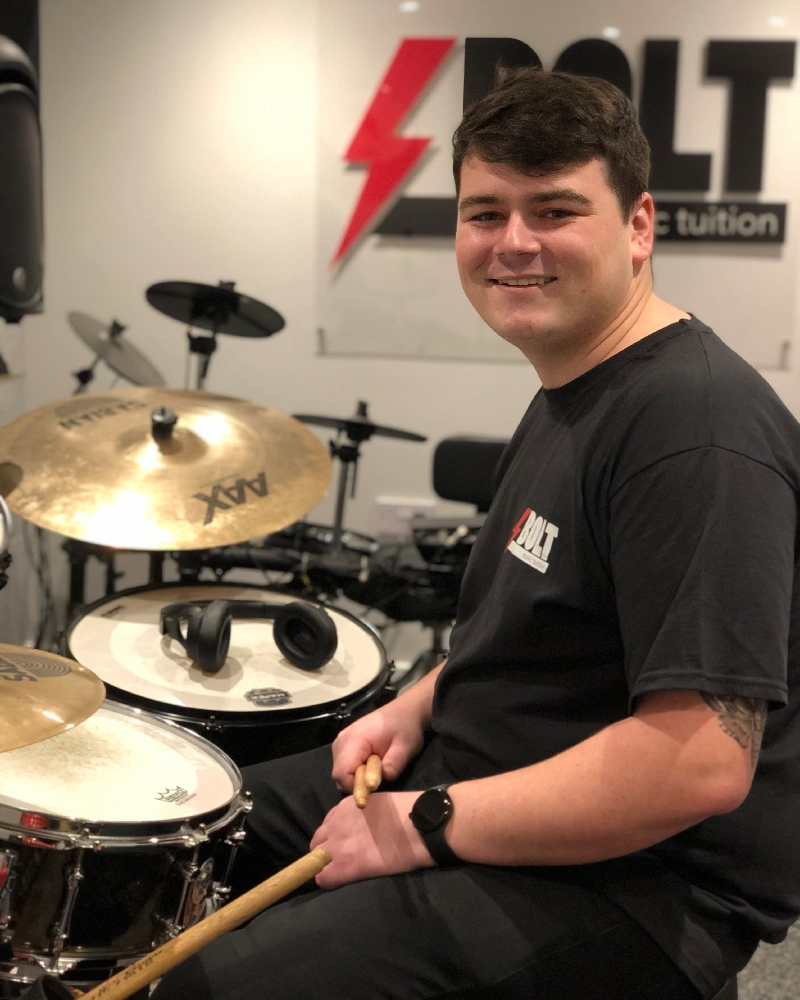
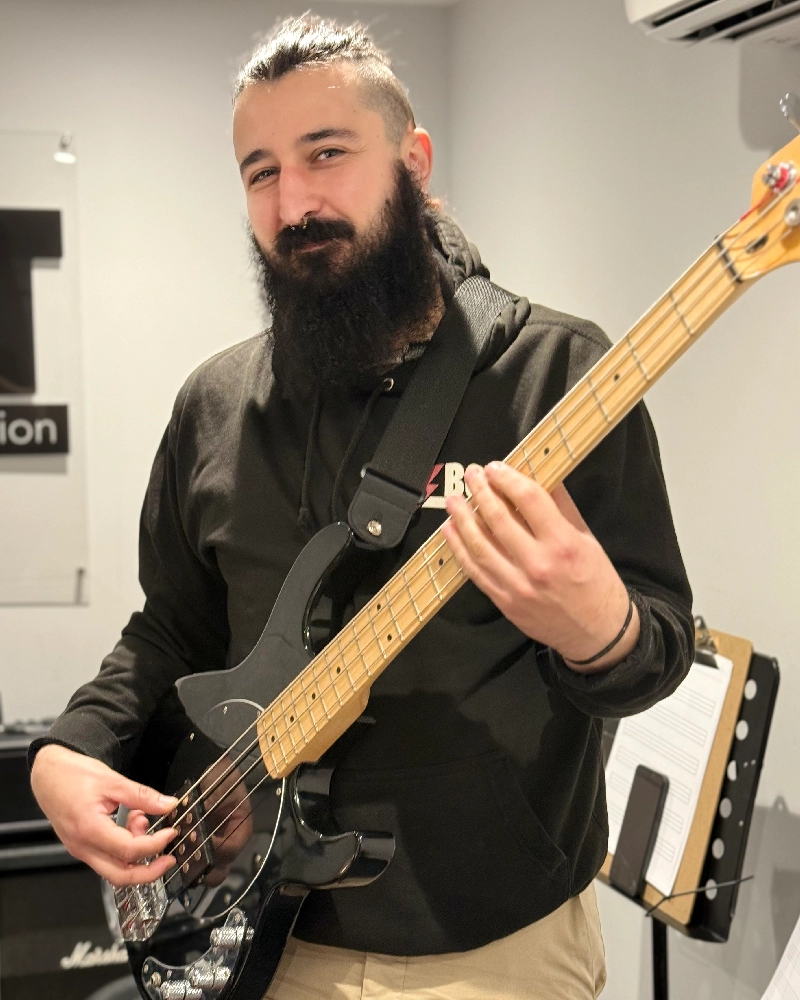
Choose your tutor below to make a secure payment via Stripe.



Other Payments
Paying for something else? Choose the appropriate option below.
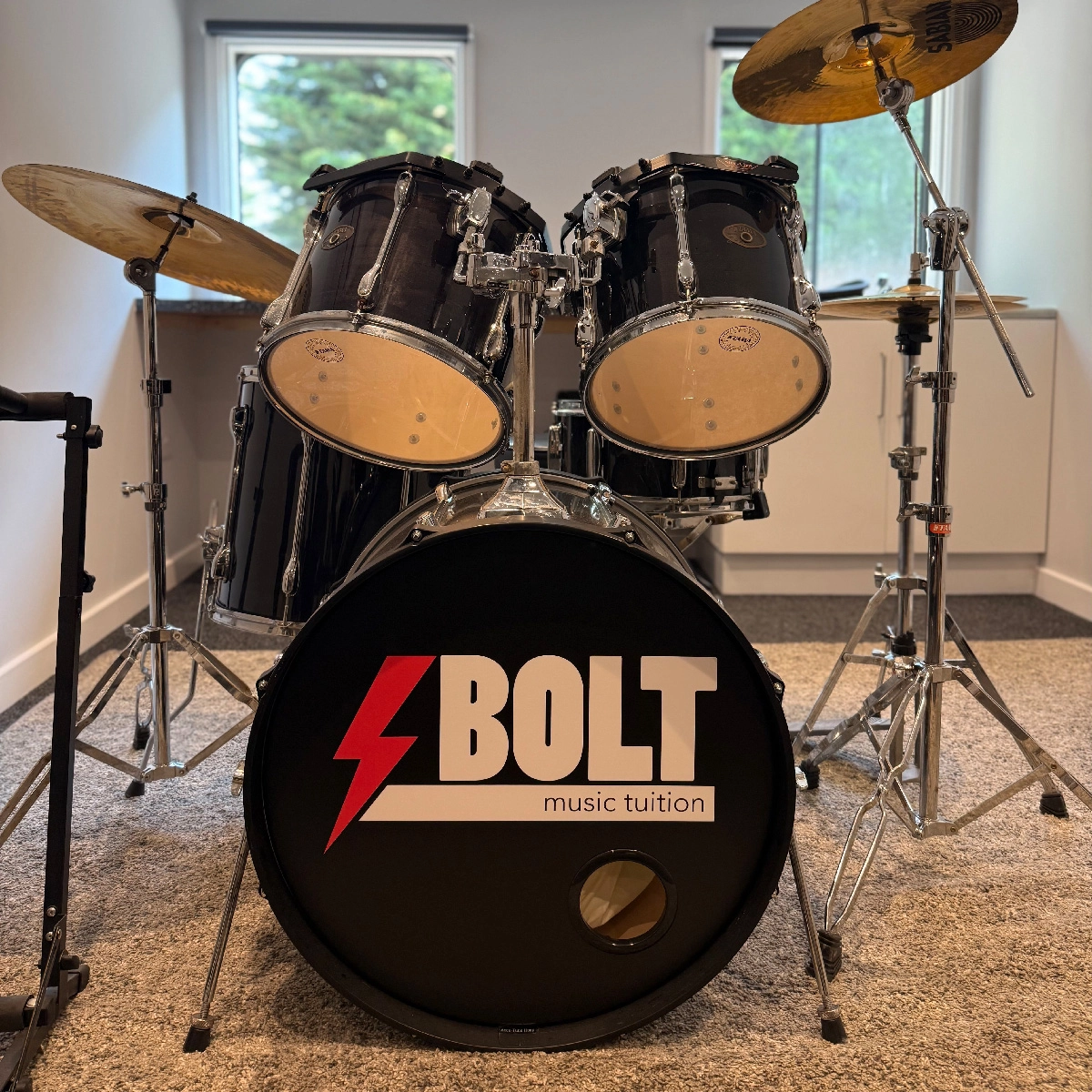
Rehearsal & recording space
Pay for studio rental sessions booked at our Marks Tey studios.
Pay for Studio Hire →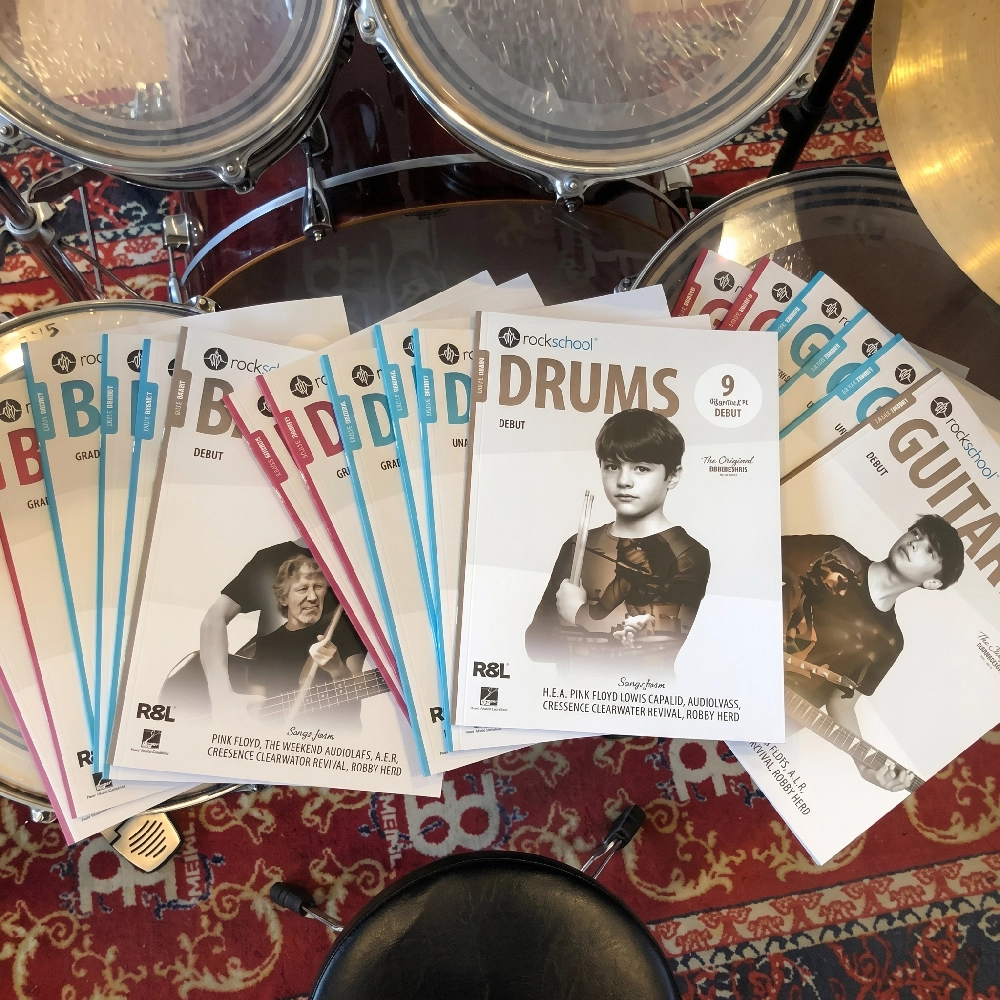
Strings · Sticks · Books
Strings, sticks, books and other items purchased through your tutor.
Make a Payment →Need Help?
If you're unsure about your invoice or having trouble making a payment, get in touch and we'll be happy to help.